
Your server needs one of two things.We already know which one.
An upgrade where it sits, or a replacement. Most of the clients on this list are the upgrade, which means keeping the machine you already have.
You are hearing from us because we found something. We watch these machines every day, and when one is fine you never hear from us about it.
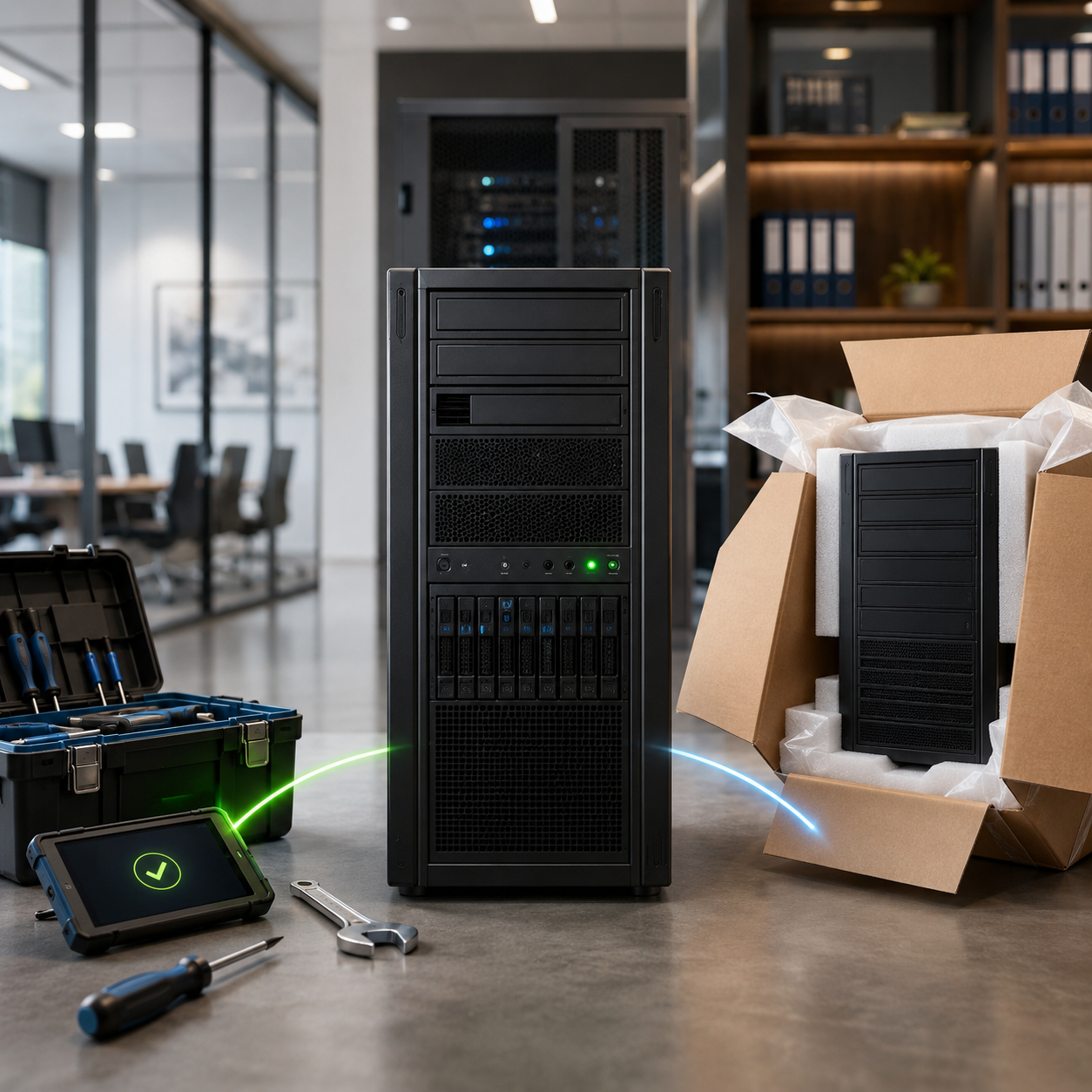
THE TWO PATHS
Yours is one of these.
The hardware is still good. We bring it up to a supported version, after hours, and you keep the machine.
This is the more common one.The hardware cannot carry a supported version, or it is far enough into its life that upgrading it is not the right answer.
Less common, and more notice needed.Your review tells you which one you are, and why. If it is the first, that is good news and we will say so.
WHY THIS COMES UP
Servers rarely break. They get left behind.
Three things move on without them. None of it is dramatic, and none of it shows up on screen.
The ninety day lead time you may have heard about is not on that list. It is not a reason to replace anything. It only decides how much time you have to deal with the three that are.
HOW MUCH TIME YOU HAVE
This used to be something we could react to.
Our supplier told us directly in August that server lead times are running around ninety days. Deciding now means you pick the week this happens, around your calendar. Leaving it means the calendar picks for you.
WHAT HAPPENS NEXT
Three steps, and the first takes a minute.
If replying to our email or calling (954) 327-1001 is easier than the form, either is completely fine.
REQUEST YOUR SERVER REVIEW
A minute now, fifteen on the phone.
No cost, no site visit, no commitment. Sending this asks us for an answer. It does not agree to spend anything.
Prefer the phone? Call (954) 327-1001 and ask for Brian.
Arrived from a page we left with you? That was us. If a message about your systems ever looks even slightly off, call (954) 327-1001 and check before entering details anywhere. We would rather you did.
Request your server review
STRAIGHT ANSWERS
The questions people ask
Which one am I, upgrade or replacement?
We know, and Brian will tell you on the call along with the reason. For a good number of our clients this is the upgrade, which means keeping the machine and not buying hardware.
Is this just you selling us something?
Most of the clients on this list are the upgrade, not an invoice for hardware. If we were fishing we would have sent this to everyone rather than the handful whose equipment flagged. And every reason above was published by someone other than us: your software vendor, Microsoft, and a study you can look up in a minute.
We are in a regulated field. Does this matter for compliance?
It can. Most of our clients are law firms, dental and medical practices, and accounting and financial advisory firms, so this comes up often. Running software the manufacturer no longer patches is the kind of detail that gets examined after an incident rather than before one. The U.S. Department of Health and Human Services has settled at least one case with a small provider where unsupported software was named in the announcement itself.
We are not going to tell you it makes you non-compliant, because that depends on your circumstances and your counsel. We will tell you it is easier to explain a supported system than an unsupported one.
Nothing has ever alerted us. Doesn't that mean it is fine?
It means less than it feels like it means. Google published a study of over 100,000 of its own drives and found that more than half of the ones that failed gave no warning from the built-in health monitoring beforehand. Carnegie Mellon, studying about 100,000 drives in production, found replacement rates of 2 to 4 percent a year against a manufacturer spec of 0.88 percent, climbing with age.
We act on every alert we get. We are just not willing to tell you silence is the same thing as health.
Can we pay Microsoft for more time?
Often no, and we would rather you heard that now than in December. Extended security updates for Windows Server 2016 require an active Software Assurance agreement, and the alternative route that existed for Server 2012 R2 was not carried over. We will check your licensing and tell you plainly which side of that you are on.
What will this cost?
It depends entirely on which path you are on and what the machine has to carry, so any number we put on a web page would be useless to you. Brian will give you a real one on the call, and if it does not work he will build it a different way. Refurbished, a smaller build, or split across two budget years are all normal answers. Nothing is ordered until you approve it.
How long will we be down?
Less than people expect, because it is planned rather than endured. Upgrades and migrations both happen after hours or over a weekend. Compare that with a failure, which happens whenever it happens and lasts as long as the replacement takes to arrive.
Will a new server lower our electricity bill?
Probably not, and you should be wary of anyone who tells you otherwise. Measurements from the Uptime Institute and researchers at TU Dresden show that at the light loads a small office server actually runs, a newer machine can draw as much power or more. We are not going to build a case out of a saving you will not see.
Who do we talk to?
Brian Butterfield, our co-founder and chief security officer. He makes these calls himself.
Every date and figure on this page, and who published it
| Windows Server 2012 and 2012 R2, final security updates | October 13, 2026 |
| Windows Server 2016, support ends | January 12, 2027 |
| SQL Server 2016, security support ended | July 14, 2026 |
| Windows Server 2019 | January 9, 2029 |
| Windows Server 2022 | October 14, 2031 |
| Microsoft support and Extended Security Update dates | Microsoft product lifecycle documentation and the Extended Security Updates lifecycle FAQ. |
| Dentrix, Drake Tax and QuickBooks Enterprise require Windows Server 2016 or newer | Each vendor's own published system requirements. Ask and we will send you the page for your software. |
| Not every vendor has moved | Tabs3, for example, still lists Windows Server 2012 R2. Which is why we check yours rather than assuming. |
| Windows Server 2016 extended updates require active Software Assurance | Microsoft Azure Arc documentation. |
| More than half of failed drives gave no prior warning | Pinheiro, Weber and Barroso, "Failure Trends in a Large Disk Drive Population," Google, USENIX FAST '07. |
| Field replacement rates of 2 to 4 percent a year against a 0.88 percent spec, rising with age | Schroeder and Gibson, "Disk Failures in the Real World," Carnegie Mellon University, USENIX FAST '07. |
| Server lead times of approximately ninety days | Our Dell account representative, in an unsolicited email to us dated August 19, 2026. A supplier statement, not a guarantee, and subject to change. |
| Unsupported software named in an HHS settlement announcement | U.S. Department of Health and Human Services, Office for Civil Rights, settlement announcement. |
| A newer server can draw as much power or more at light loads | Uptime Institute, and research from TU Dresden. Cited here because it argues against us. |
| Which path your server is on | Our own monitoring of your equipment. This is the one item you cannot check independently, which is why the review gives you the reason and not just the conclusion. |
Support dates are set and published by Microsoft and are subject to change. Software requirements are set by each vendor and are subject to change. Nothing on this page is a guarantee of outcome, cost or timeline. A quote reserves no parts and holds no pricing. No equipment or licensing is ordered until you approve it.