Imagine you're three hours into a five-hour journey to visit family for the holidays, and your daughter asks, "Can I use Roblox on your laptop?" Not just any laptop, but your work device containing sensitive client files, financial data, and full access to your business operations. You're exhausted from packing and facing three more hours on the road. Keeping her entertained sounds tempting, but is it safe?
Holiday travel introduces unique security challenges. Distractions, fatigue, connecting to unknown networks, and mixing family time with work check-ins increase your vulnerability. Whether your trip is for business, leisure, or both, here's how to safeguard your data while keeping your holiday joyful.
Prep in 15 Minutes Before Departure
Dedicate just 15 minutes to set up your devices and mindset for a secure trip:
Secure Your Devices:
- Install all available security patches and updates
- Back up crucial files securely to the cloud
- Activate automatic screen locks, set to engage within two minutes
- Turn on "Find My Device" for your phones and laptops
- Charge your portable power banks fully
- Bring your own charging cables and adapters—no sharing necessary
Set Expectations With Family:
- Clarify which devices your kids are allowed to use
- Bring a separate family tablet or secondary device strictly for entertainment
- Create limited user accounts on work devices if necessary
Expert Tip: If your kids need screen time on the trip, provide a tablet disconnected from work accounts. Investing in an inexpensive $150 iPad can save you from costly data breaches.
Hotel WiFi Security: Avoid Common Pitfalls
Once you arrive at your hotel, it's tempting to connect all your devices to the available WiFi: phones, tablets, laptops, gaming consoles. Your teenager streams Netflix, your partner checks email, and you try to finalize that business proposal.
But hotel networks are shared spaces, often unsecured and risky. Not everyone connected is trustworthy.
Real cautionary tale: A family connected to what appeared to be their hotel's WiFi actually joined a fraudulent network set up by someone nearby. For two days, every online action—including passwords, credit card info, and emails—was intercepted.
How to Protect Yourself:
Confirm the network name directly with hotel staff—never guess.
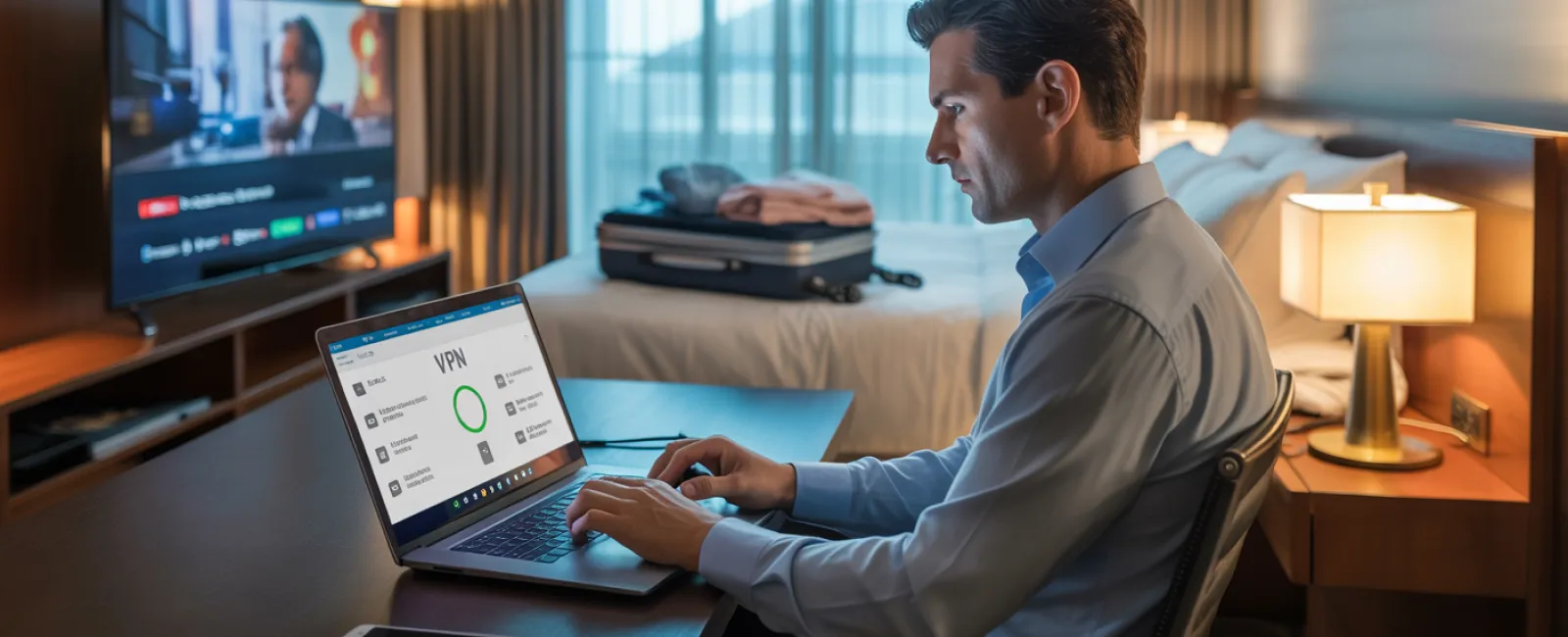
Use a VPN for work access to encrypt your online activity when checking emails or accessing company files.
Prefer your mobile hotspot for sensitive transactions like banking or handling confidential data.
Separate work from leisure by letting kids stream on hotel WiFi but handling your work on your secure hotspot.
Why "Can I Use Your Laptop?" Is a Security Risk
Your work computer holds critical information—email, financial accounts, client files, and essential business systems. Kids may want to watch videos, play games, or chat online.
Why it matters: Children unintentionally download malware, click pop-ups, share passwords, or forget to log out. Their actions are innocent but can expose your work device to security threats.
Best Practices:
Politely enforce a strict "no" for kids on work devices: "This laptop is for work only; you can use [other device] instead." Consistency is key.
If sharing is unavoidable:
- Set up a separate limited user account
- Closely supervise their activity
- Block downloads and installations
- Never save their passwords
- Clear browsing history once done
Even better: Bring a dedicated travel device exclusively for family use—an old tablet or laptop disconnected from work accounts.
Smart Streaming on Hotel TVs: Don't Forget to Log Out
Your family wants to enjoy Netflix on the hotel's smart TV. Someone logs into your account, but you overlook logging out before checkout.
This oversight lets next guests access your subscription—and potentially exploit reused passwords elsewhere.
Fix It Fast:
- Cast content from your personal device to the TV instead of logging in directly
- Set phone reminders to log out of streaming services before leaving
- Download shows ahead of time to avoid hotel TVs altogether
Never log into these apps on hotel TVs:
- Banking and financial apps
- Work-related accounts
- Email
- Social media
- Anything linked to payment methods
Lost Device? Act Immediately
Holiday trips are hectic—devices can get left behind in public places. If your device goes missing:
Within the first hour:
- Use "Find My Device" to pinpoint its location
- If retrieval isn't possible, remotely lock your device
- Change passwords on crucial accounts from a secure device
- Consult your IT team or managed service provider to revoke system access
- Inform affected clients if sensitive business information was compromised
Ensure your device has these protections BEFORE traveling:
- Remote tracking enabled
- Strong, unique passwords
- Automatic encryption of stored data
- Remote wipe capabilities
Family member lost their device? Apply the same security steps immediately.
The Rental Car Bluetooth Data Risk
Connecting your phone to a rental car's Bluetooth lets you play music and navigate easily—but the car saves your contacts, call logs, and sometimes message previews.
This personal data often remains accessible to the next driver.
Quick 30-Second Cleanup Before Returning:
- Delete your phone's Bluetooth pairing from the car's system
- Clear recent GPS destinations
- Better yet, avoid Bluetooth altogether; use an aux cable or offline methods
Maintaining Work-Life Boundaries on Vacation
You promised quality family time, but find yourself checking email 47 times, answering calls, and working on your laptop while others enjoy mini-golf.
This constant back-and-forth reduces your security awareness and increases risk from careless clicks or untrusted networks.
Here's the truth: If unplugging completely isn't an option, establish clear, intentional boundaries:
- Limit work email checks to two specific times daily
- Use your phone's hotspot rather than hotel WiFi for work-related tasks
- Work in private hotel rooms, avoiding public areas where screens are visible
- Be fully present with family when off the clock
The best advice: Take real time off. Your business will survive a week without you, and you'll return sharper and more security-conscious.
Adopt a Holiday Travel Security Mindset
Mixing work and family while traveling is challenging. Sometimes your kid genuinely needs your laptop. Sometimes you must respond to urgent emails during your trip.
The goal isn't perfection—it's deliberate risk management:
- Prepare your devices thoroughly before traveling
- Know what actions are high-risk (e.g., banking on public WiFi) versus low-risk (e.g., checking email via hotspot)
- Separate work data from family use whenever possible
- Have a detailed action plan if security issues arise
- Firmly enforce device use rules and stick to them
Create Happy Holiday Memories, Not Security Nightmares
The holidays are meant for bonding with loved ones—not battling data breaches or apologizing to clients for compromised information.
A bit of preparation combined with straightforward security habits can protect your business and preserve your vacation. Everyone enjoys their time, and your company stays secure.
Need expert help crafting travel security policies for your team and yourself? Click here or give us a call at 954-327-1001 to book a free Consult with us.We'll help you create practical policies that protect your business without making travel impossible.
Remember: The best holiday story shouldn't be, "Remember when Dad's laptop got hacked?"